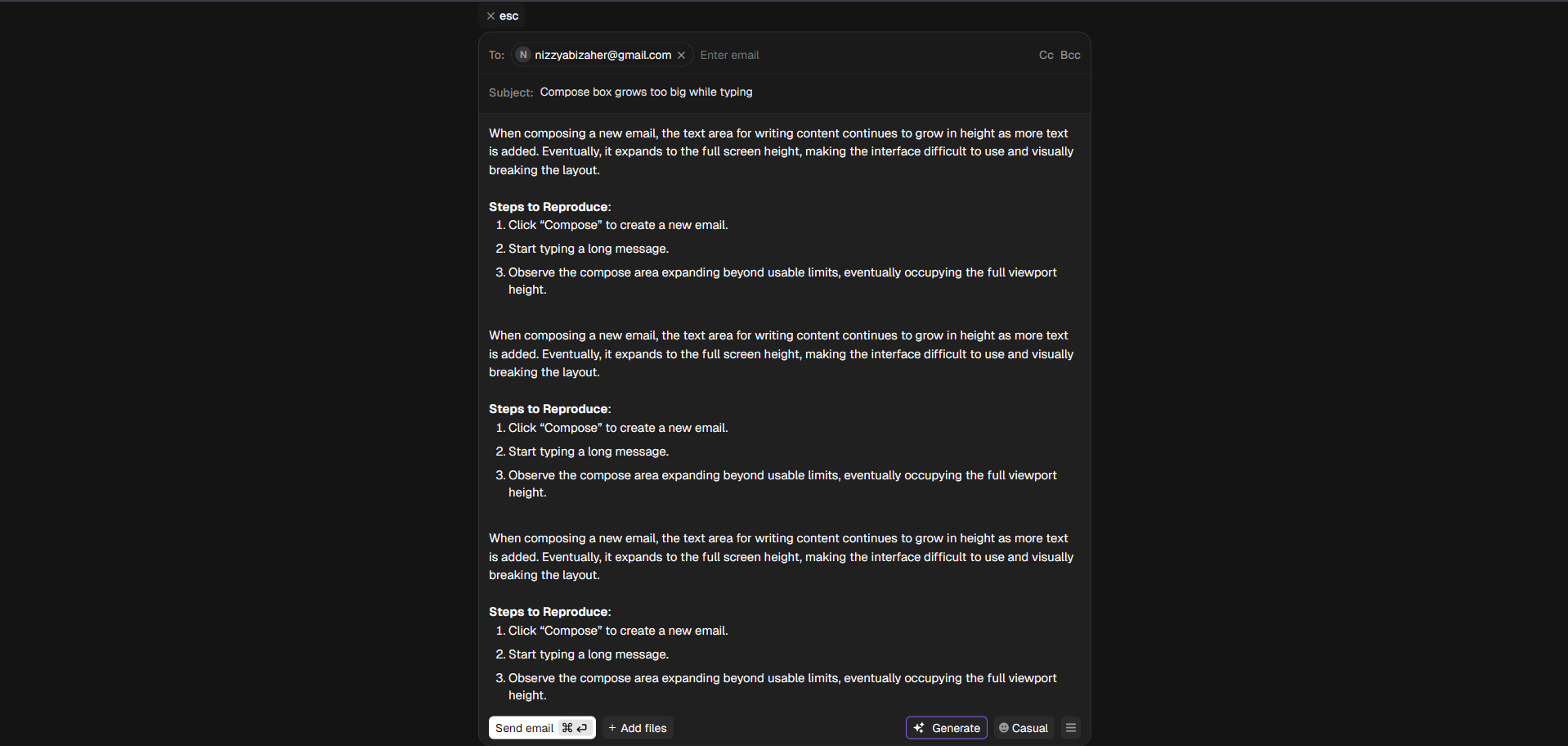
When composing a new email, the text area for writing content continues to grow in height as more text is added. Eventually, it expands to the full screen height, making the interface difficult to use and visually breaking the layout.
Steps to Reproduce:
Click “Compose” to create a new email.
Start typing a long message.
Observe the compose area expanding beyond usable limits, eventually occupying the full viewport height.
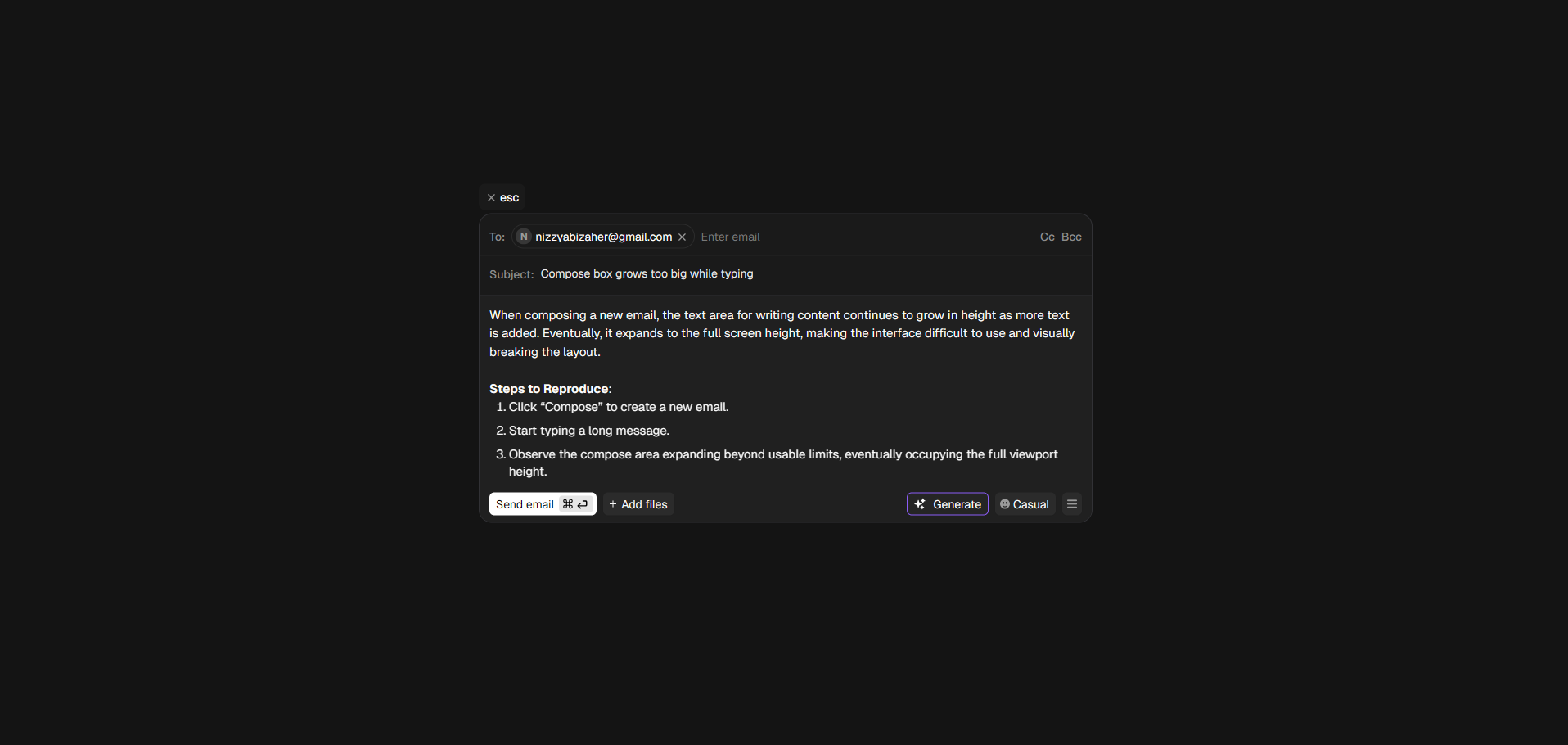
Initial
After adding more content :